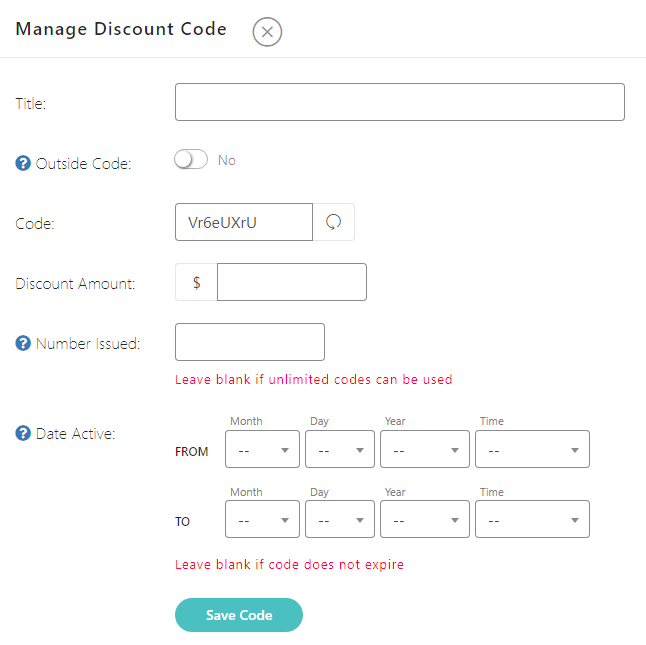
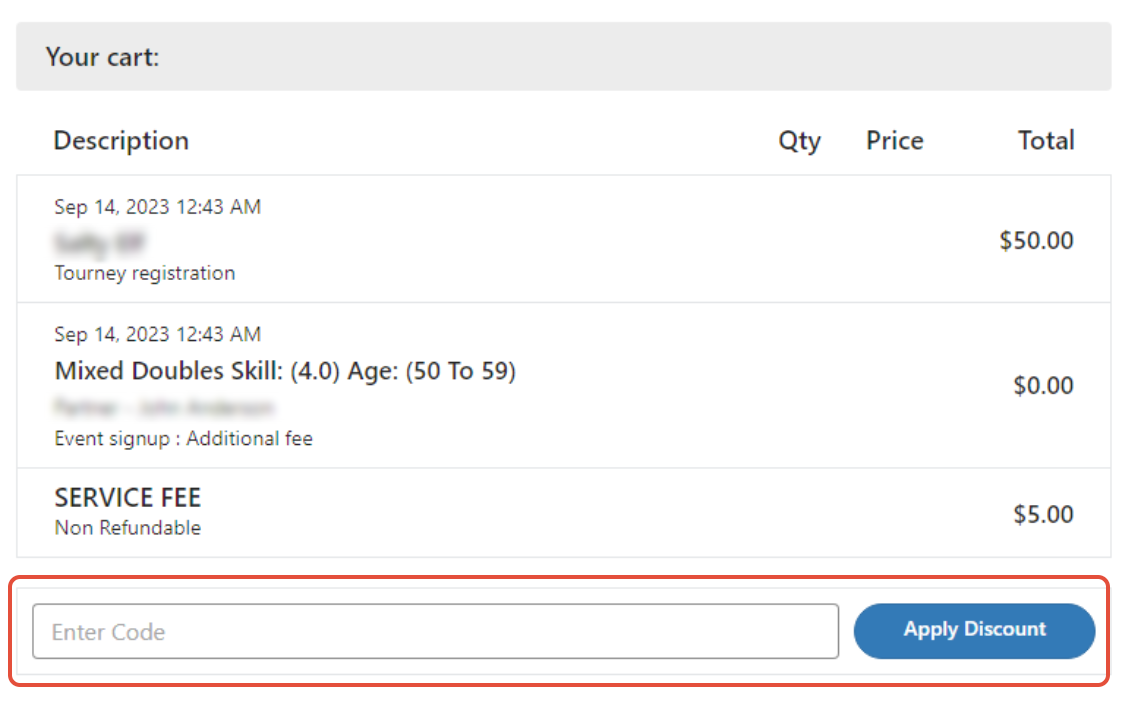
There's no separate on/off switch for the discount code box. Whether it appears is determined by whether your tournament currently has at least one usable discount code — active, not disabled, within its date range, and not fully redeemed — and the registrant still owes a balance. To hide the box, delete, disable, or expire all of your event's codes under Edit Tourney → Discount Codes. Note that the "Max number of codes a person can use" setting only limits stacking multiple codes together — it doesn't control whether the box itself is visible. If you're viewing the legacy checkout, the box may still appear to anyone with admin, TD, or coordinator access even when no valid codes exist for that event.