Are you interesting in joining a league in your area? Here we will show you how to search the Pickleballleagues site to find a league for you.
Start by logging into Pickleball.com

Find a League by scrolling down or using the search box to locate a League by name or location.

1. Search for a League - If you know the name of the League, type in here and click on Apply.
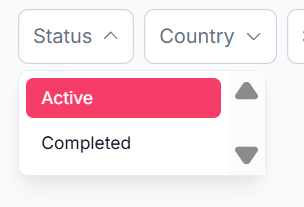
2. Status - Will tell if the League is still active or has been completed
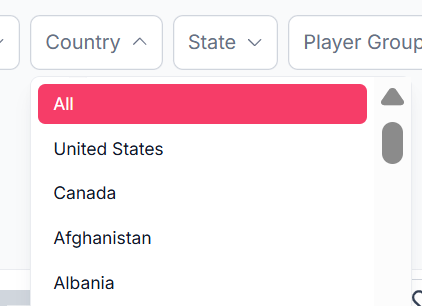
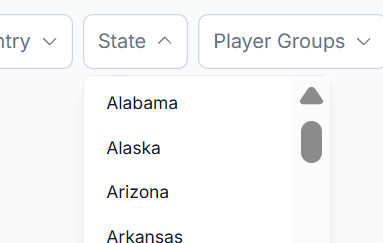
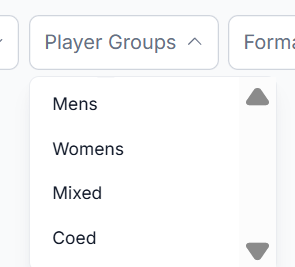
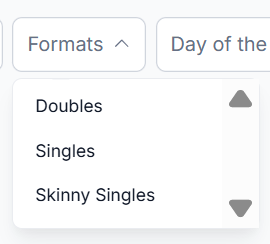
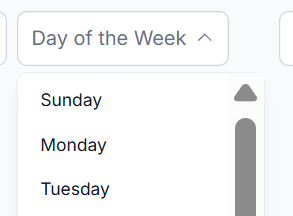
7. Day of the Week - You may designate the day of the week you are available to play
8. Reset - Want to try another search with different variables, click on the Reset tab.
Apply - Once you have chosen the fields, please click on the Apply for it to do the search you requested.
You can mark leagues under My Favorites
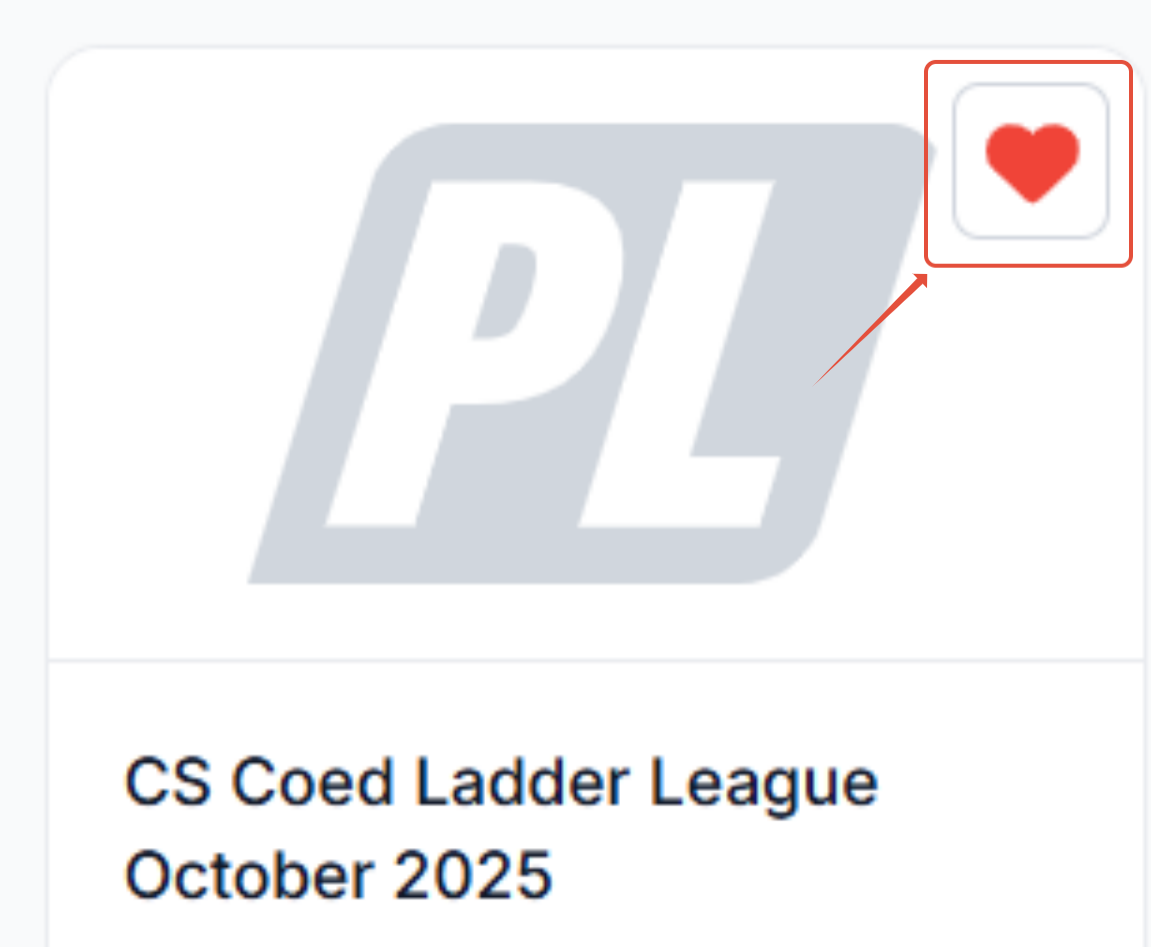
Each league has a heart in the top right corner of their logo. If you click on the heart, it will activate for it to be marked as one of your My Favorites for an easier search later.
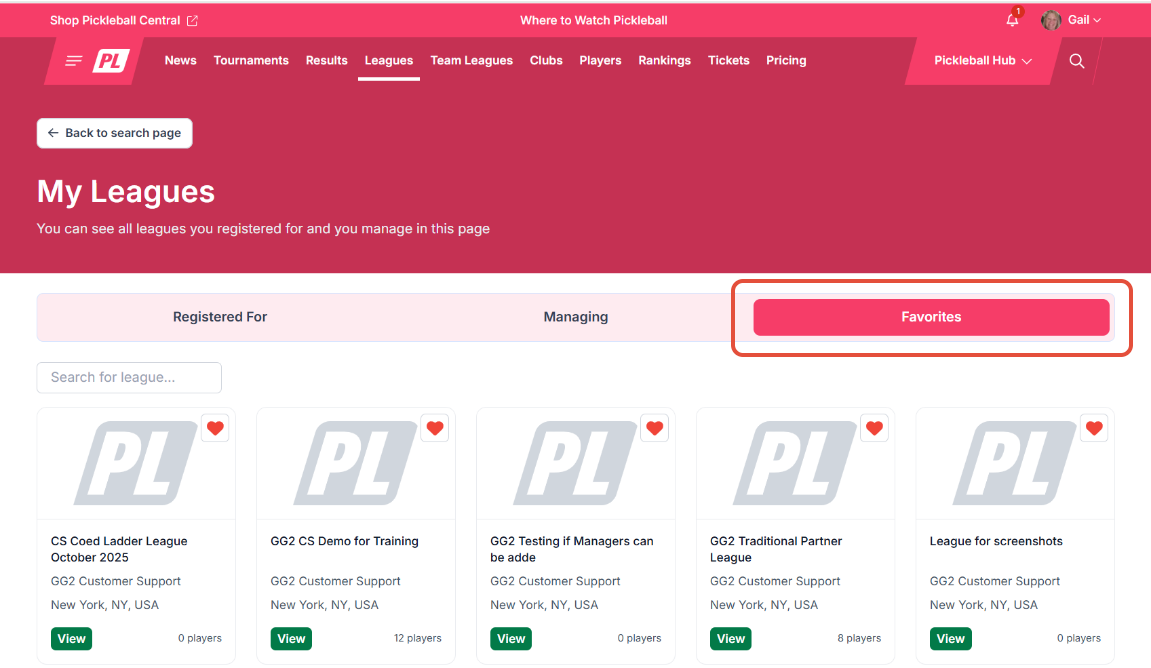
When you back to your profile and Click on My Leagues, your favorites can be found under your Favorites tab.
Find a league you would like to join?
Check out our article: How to Sign Up for a League