How to Estimate and Set my Schedule using Simulator
Please review the document on how to determine your max capacity to help determine your schedule. Click here or review the video above. Once you have your events set up the way you would want your day to run, follow the instructions below.
Make sure you have input all of your event information into the events in the simulator, and your starting times. IMPORTANT - Make sure all events you would like included are marked "Update LIVE Event."
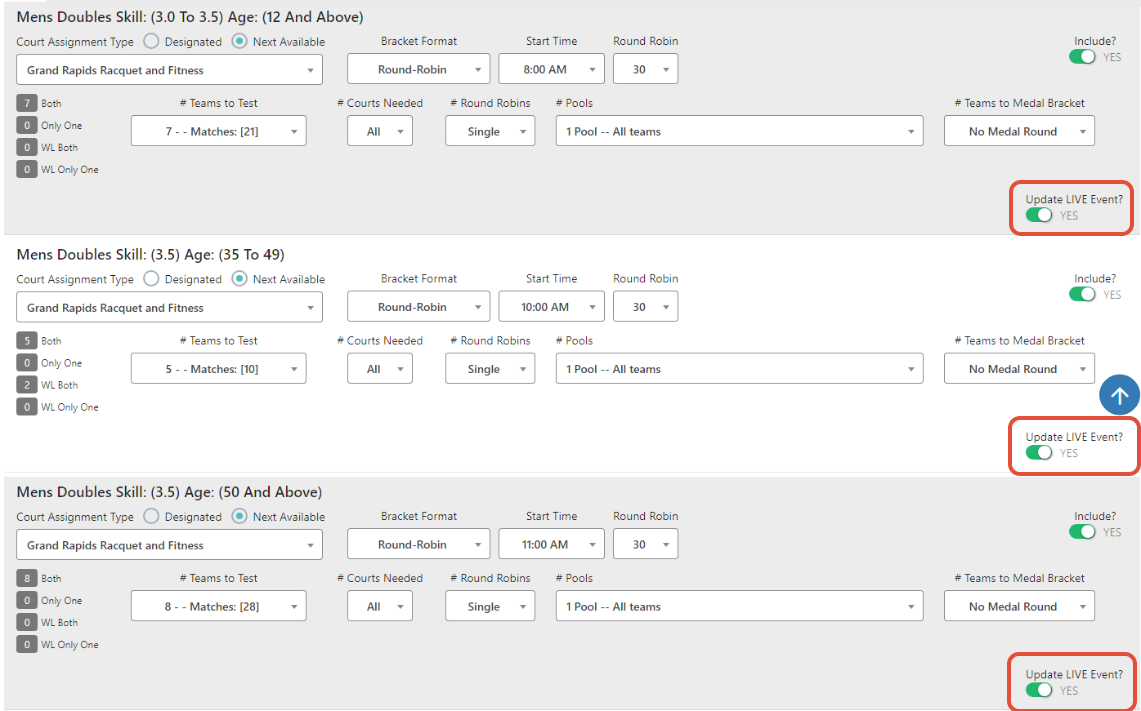
When you are ready to finalize your schedule, select "Save this Day" first, and then use the "Copy Settings to Live Events" option:

If you return to your events, you will now see that the starting times have been copied over:
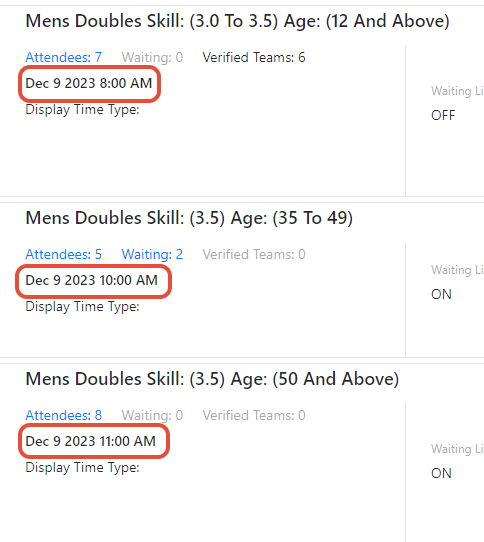
Your settings will be copied over to the events, making the verification process easier.