From the left-hand navigation menu, click Divisions.
Select + Create division to begin creating a new division.
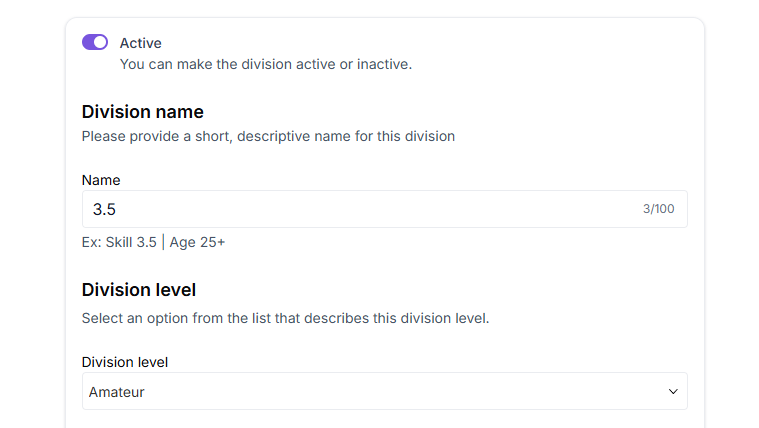
Change the division status from Inactive to Active.
Enter the Division name.
Choose the appropriate Division level.
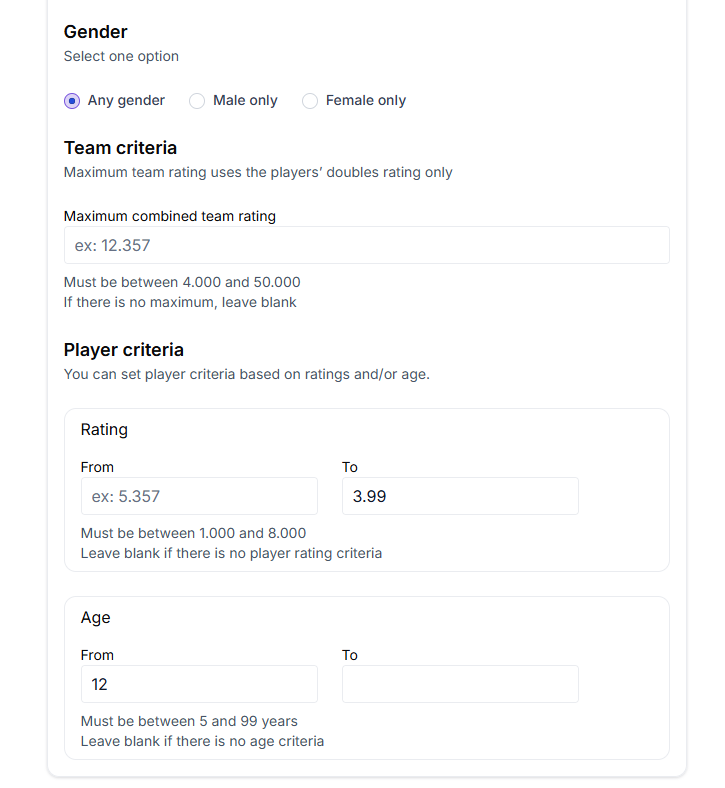
Set Gender based on the division type.
Set Team criteria based on maximum combined team rating.
Set Player criteria. Enter the minimum & maximum ratings for the division. Leave minimum rating blank if there is no minimum requirement. Example: for a 3.5 division, set the maximum rating to 3.99.
Set the Age range. Leave blank if there is no age limit.