How To Find a Pickleball League (In Depth Guide)
Finding the right pickleball league is simple when you know where to look and which filters to use. If you are trying to join a league near you, search by league name, narrow results by location, and refine your options even further by format, player group, or day of the week.
This guide walks through the process step by step so you can quickly find a pickleball league that matches your needs.
Before You Start
Make sure you are logged into the website before beginning your search. Once you are signed in, use the navigation at the top of the site to access the leagues area.
Step 1: Open the Leagues Page
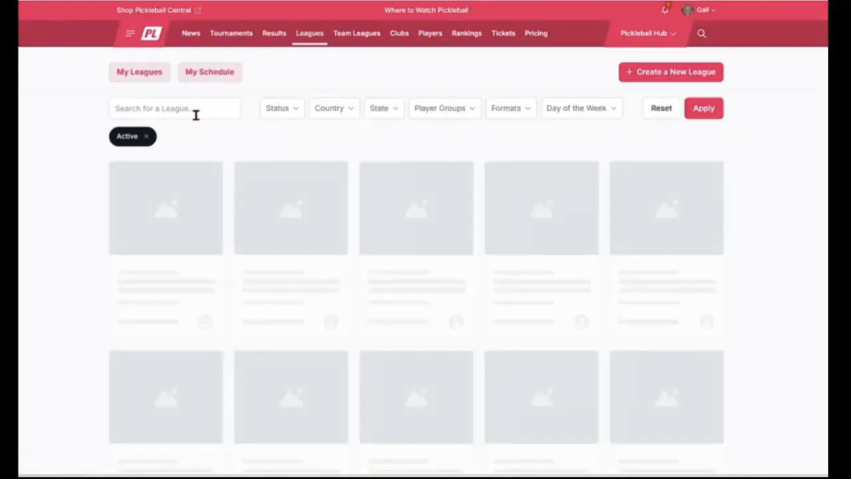
Select the Leagues button at the top of the website. This opens the main league page, where all visible leagues in the system are listed.
This page is your starting point whether you already know the league you want or you are browsing for options in your area.
Step 2: Search by League Name
If you already know the name of the league, use the search field on the main league page to look it up directly. This is the fastest option when you are trying to return to a league you have already heard about.
Searching by name is especially useful if:
- You were referred to a specific league
- You want to confirm details for a known league
- You do not want to browse through broader search results
Step 3: Search for a League in Your Area
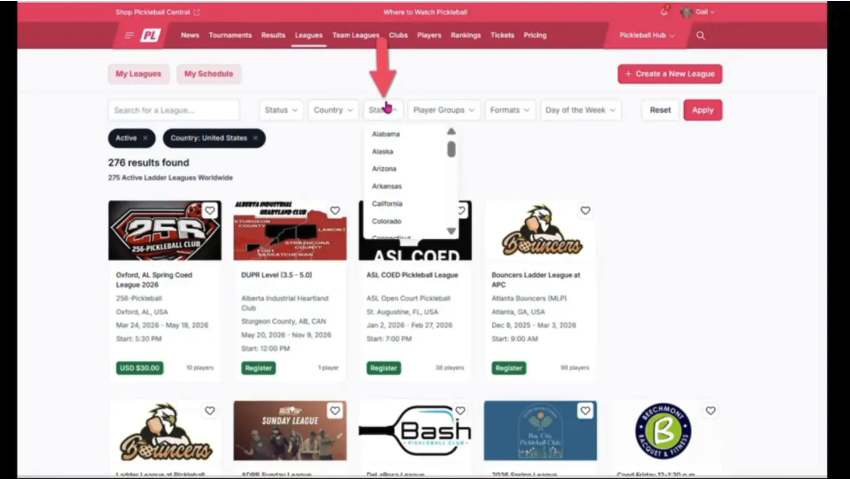
If you want to find a pickleball league near you, use the location filters on the leagues page.
- Open the drop-down menu for Country.
- Select your country.
- Choose your State Code.
- Select Apply.
After applying your search parameters, the system will display leagues for your selected state. This is the quickest way to narrow the full list down to leagues in your local area.
Step 4: Save a League as a Favorite
When you find a league that interests you, click the heart icon in the upper corner of the league info box to mark it as a favorite.
Favoriting a league makes it easier to find again later, especially if you plan to compare several options or come back after another search.
This small step can save time if you expect to revisit the same league more than once.
Step 5: Use Additional Search Filters
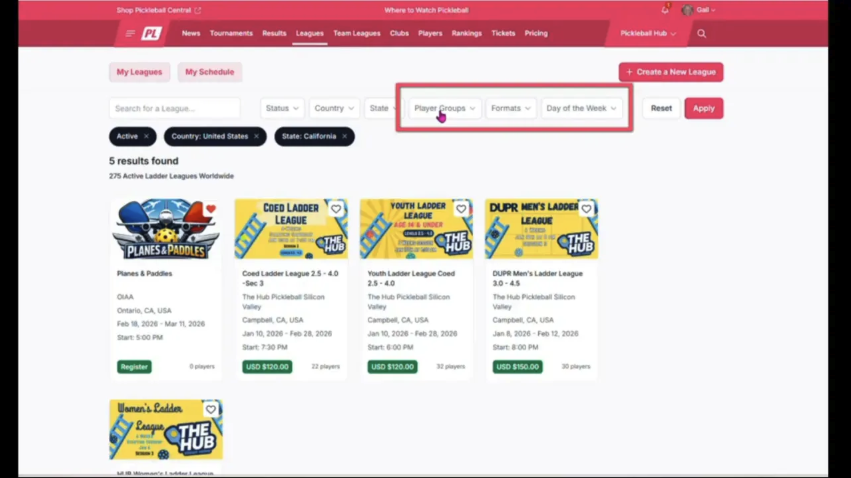
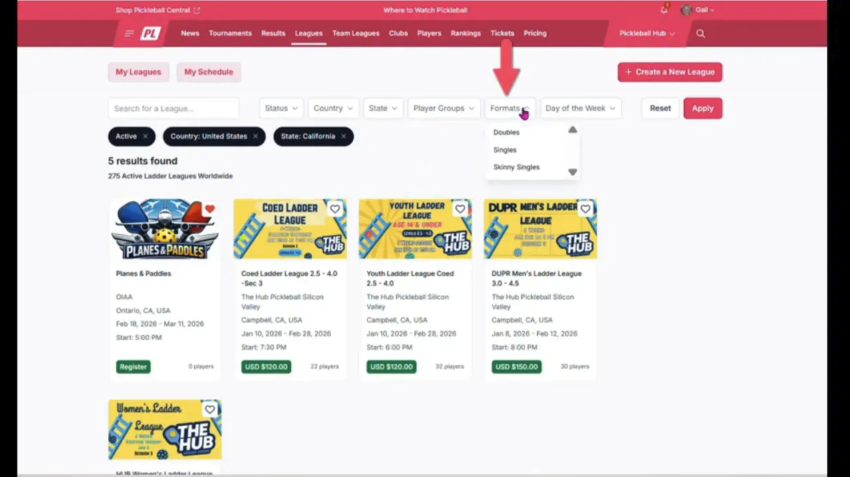
The leagues page includes more than just location filters. You can also refine results using additional drop-down menus to find a league that better matches how and when you play.
Available filter options include:
- Player groups for more specific league matching
- Format, such as doubles or singles
- Day of the week the league plays on
These filters are helpful when location alone is not enough. For example, if there are several leagues in your state, you can narrow your choices to the format you prefer or a schedule that fits your availability.
Using multiple filters together is often the best way to find the right fit.
Tips for Finding the Best League Match
If you are comparing several pickleball leagues, keep these best practices in mind:
- Start broad with location, then narrow by format or day
- Use the name search when you already know what you want
- Favorite leagues you may want to revisit later
- Check player group options if you are looking for a more specific experience
These built-in search tools are designed to make it easier to connect with the right league instead of sorting through every listing manually.
Need More Information About a League?
If you have questions about a specific league, contact the league director through the league homepage. That is the best place to get league-specific details and follow up on anything not covered in the listing.
Final Note
The league search tools make it easy to find a pickleball league by location, league type, and schedule. Whether you are searching by name or filtering by country, state, format, player group, or day of the week, a few quick selections can help you find the league that fits what you need.
For more information check out the video below for a full visual tutorial.