Make sure you are signed in with the same account you used to join. If the club requires manager approval, your membership isn't confirmed until a manager approves it, so check back after you hear from the club.
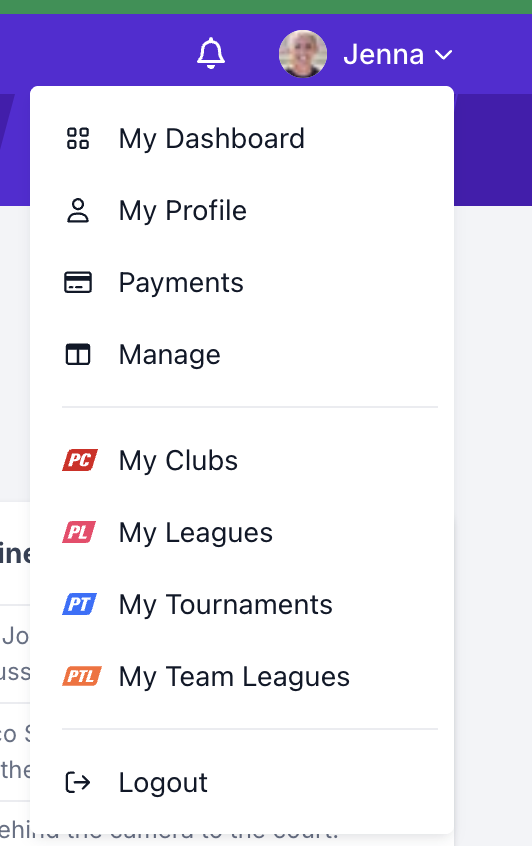
Find every Pickleball Clubs (PC) club you belong to, manage, or have saved on the My Clubs page, which you open from your user menu.
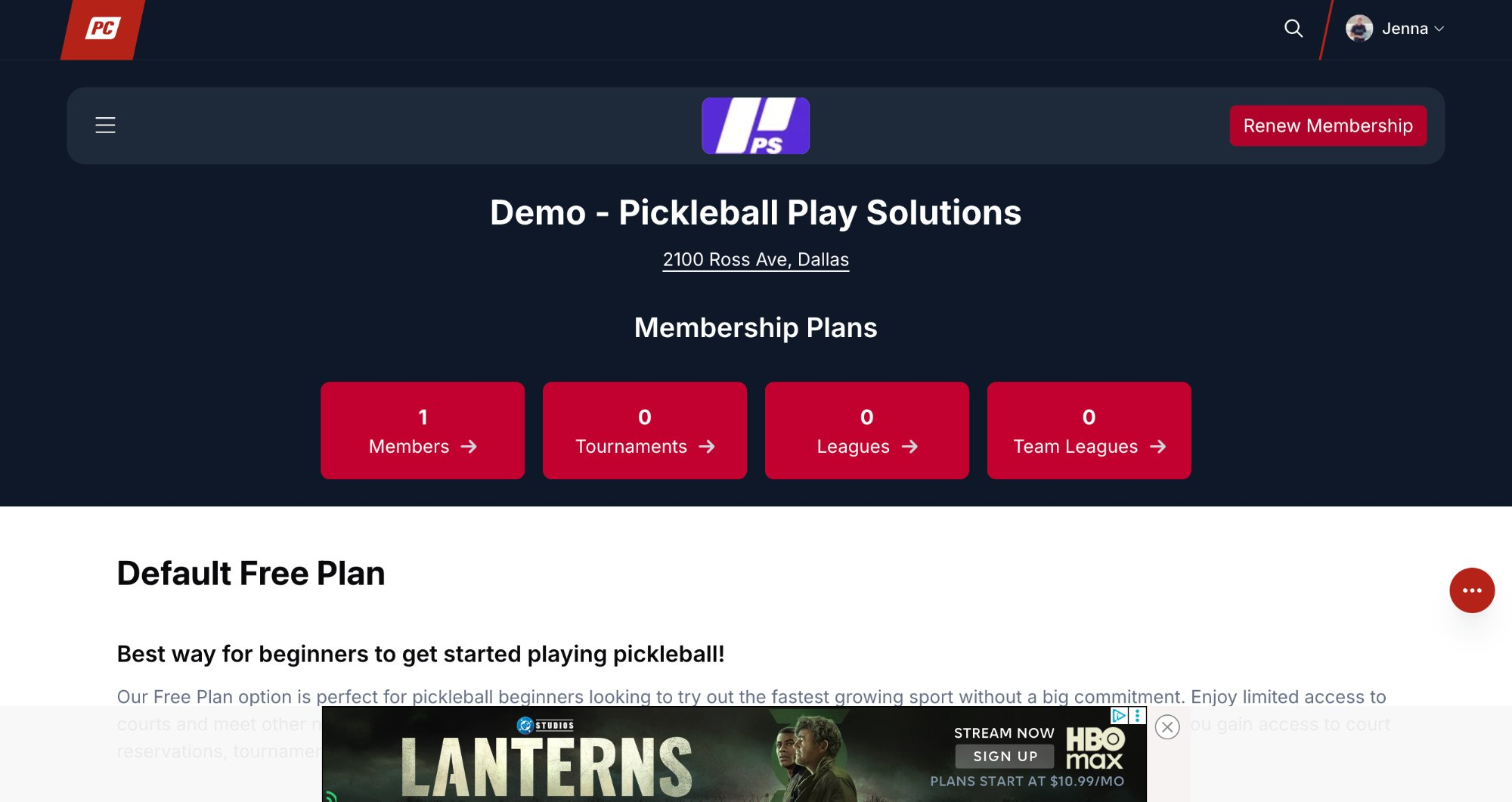
The club's page opens, showing your membership status and the club's details.
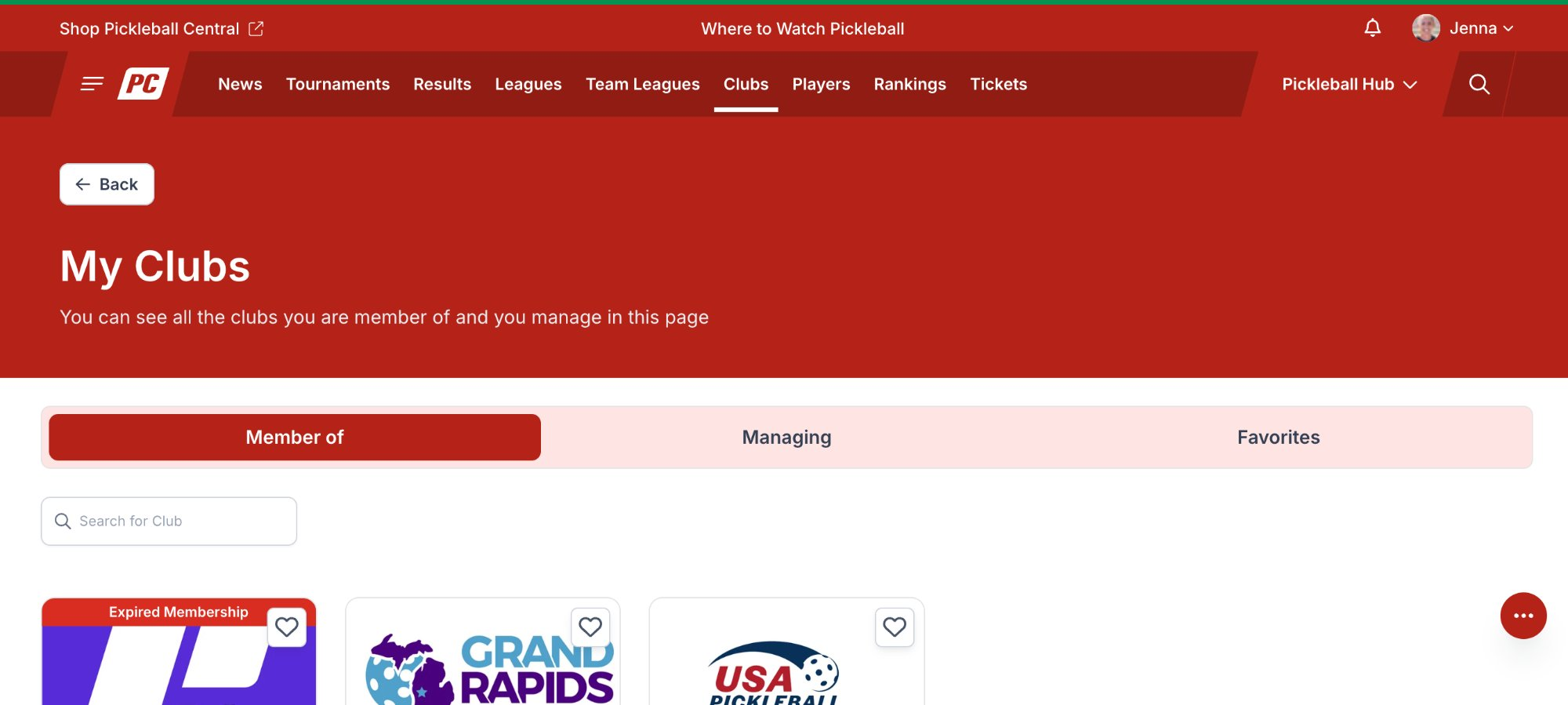
If you belong to several clubs, type the club's name in the Search for Club box to narrow the list.
| Tab | What You'll See |
|---|---|
| Member of | Clubs you are a member of. A card marked Expired Membership means your membership with that club has ended. |
| Managing | Clubs you manage as a club manager or owner. |
| Favorites | Clubs you have saved with the heart icon on the club's card. |
A club's page shows its name, address, and the number of members, tournaments, leagues, and team leagues, followed by the club's membership plans if it offers any. The button in the upper right shows where you stand with the club:
Make sure you are signed in with the same account you used to join. If the club requires manager approval, your membership isn't confirmed until a manager approves it, so check back after you hear from the club.
Your membership with that club has ended. Open the club from the Member of tab and click Renew Membership.
Click the heart icon on the club's card. Saved clubs appear on the Favorites tab of the My Clubs page.
Clubs you run appear on the Managing tab. For the club's admin tools, see The Club Menu in PC.
Need more help? Email us at support@pickleball.com.