
Why Is Accurate Score Entry Important?
Accurate score entry directly impacts league fairness and operational efficiency.
Without proper score management, leagues may face:
-
- Incorrect standings
-
- Player disputes
-
- Scheduling confusion
-
- Commissioner intervention
Clear, timely entry ensures:
-
- Real-time standings visibility
-
- Accurate playoff positioning
-
- Reduced administrative corrections
-
- Transparent team records
Proper processes protect both competitive integrity and league credibility.
What Are the Key Benefits of Following Proper Score Entry Procedures?
Benefit #1: Accurate Standings
Scores update correctly and reflect true competitive outcomes.
Benefit #2: Reduced Administrative Work
Avoiding cancellations and using edits properly prevents commissioner intervention.
Benefit #3: Transparent Competition
Real-time updates allow captains and players to track progress throughout Game Day.
Common Questions About Entering Scores for Team League Game Days
How long does it take to enter scores?
Entering scores typically takes just a few minutes per match. Prompt entry ensures standings remain accurate throughout Game Day.
What tools are needed to enter scores?
You need access to your team league platform, Game Day view, and permission to edit scorecards (captain or designated user privileges).
What should I do if I enter the wrong score?
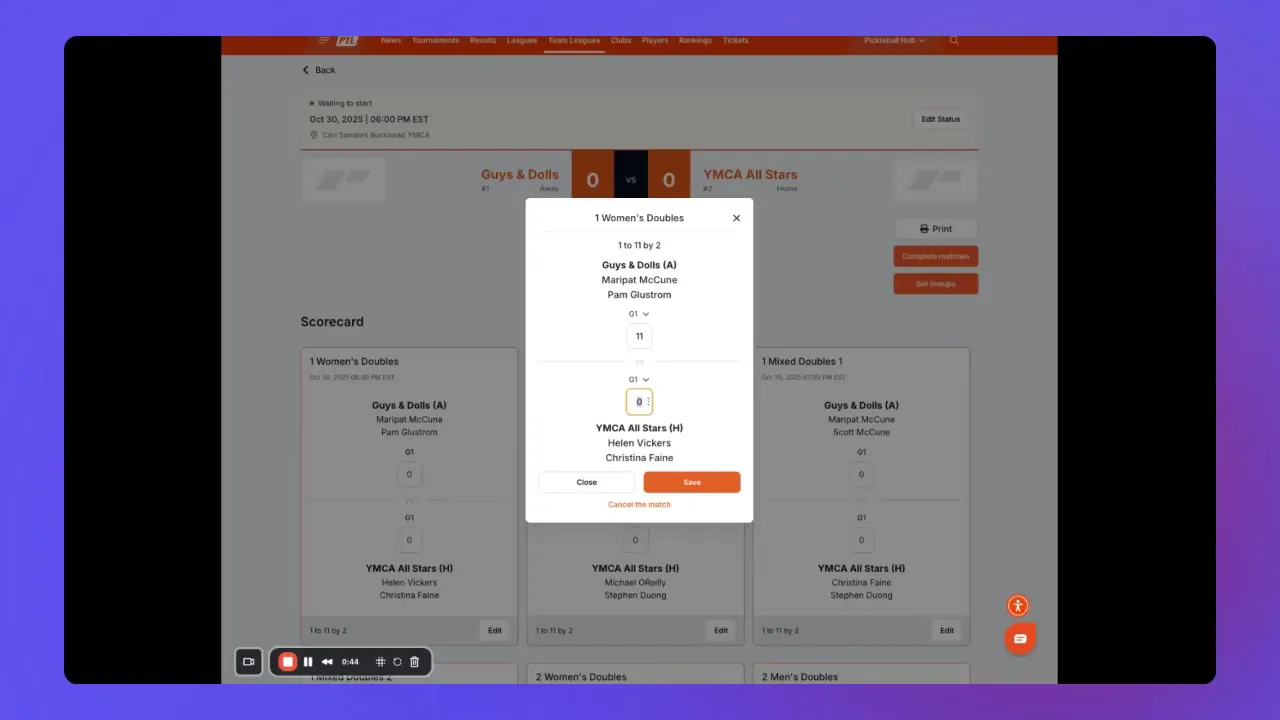
Do not cancel the match. Reopen the scorecard, correct the numbers, and click Save. Only cancel matches that were truly canceled and not played.
How do I know if the score saved correctly?
A green trophy icon appears next to the winning team after saving, confirming the result was recorded.
When should I use retirement, forfeit, or withdrawal options?
Only when those situations actually occurred. Proper labeling ensures accurate recordkeeping and rule application.
Practical Tips and Best Practices
-
Enter scores as matches finish to reflect real-time standings.
-
Use the Save button frequently to prevent data loss.
-
Zero out incorrect entries instead of canceling.
-
Flag retirements, forfeits, and withdrawals correctly.
-
Confirm the green trophy icon appears after saving.
-
Contact your captain or commissioner if a match becomes locked or needs reinstatement.
Final Checklist Before Completing Your Game Day
-
All individual match scores entered and saved.
-
Retirements, forfeits, or withdrawals noted correctly.
-
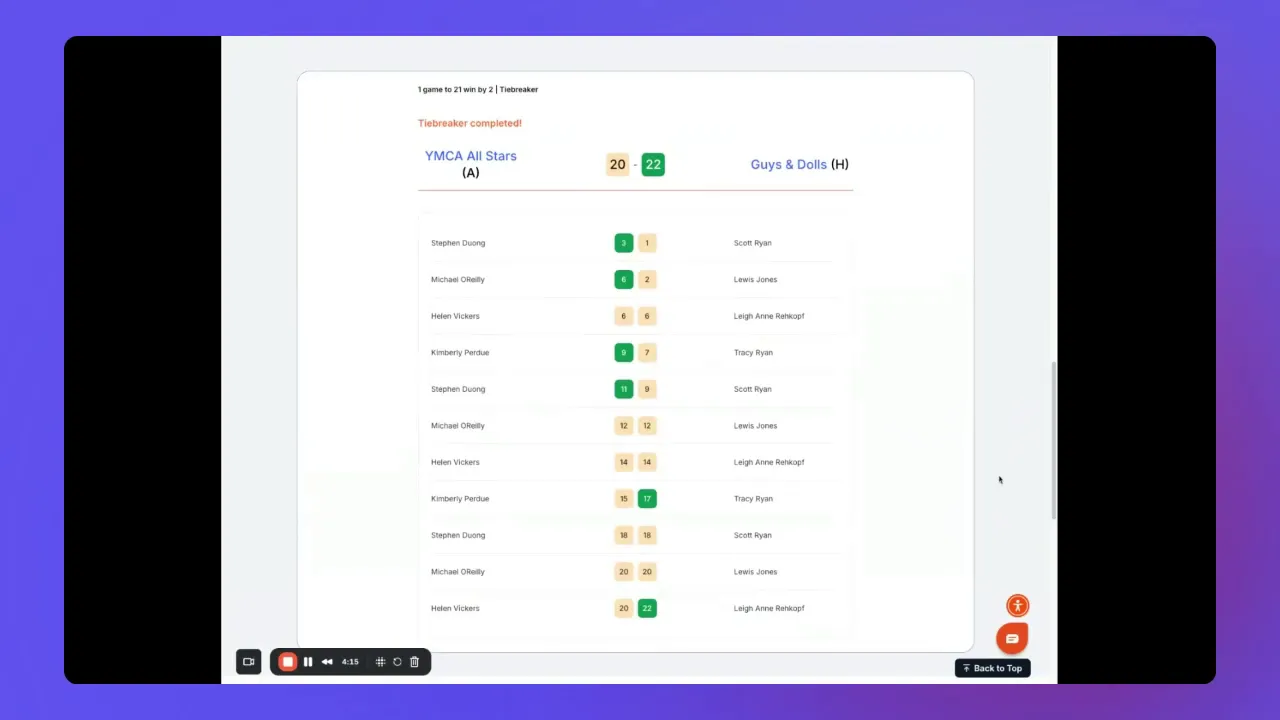
Tiebreaker played and cumulative scores entered properly (if required).
-
Scores reviewed and confirmed by the captain or designated team contact.
-
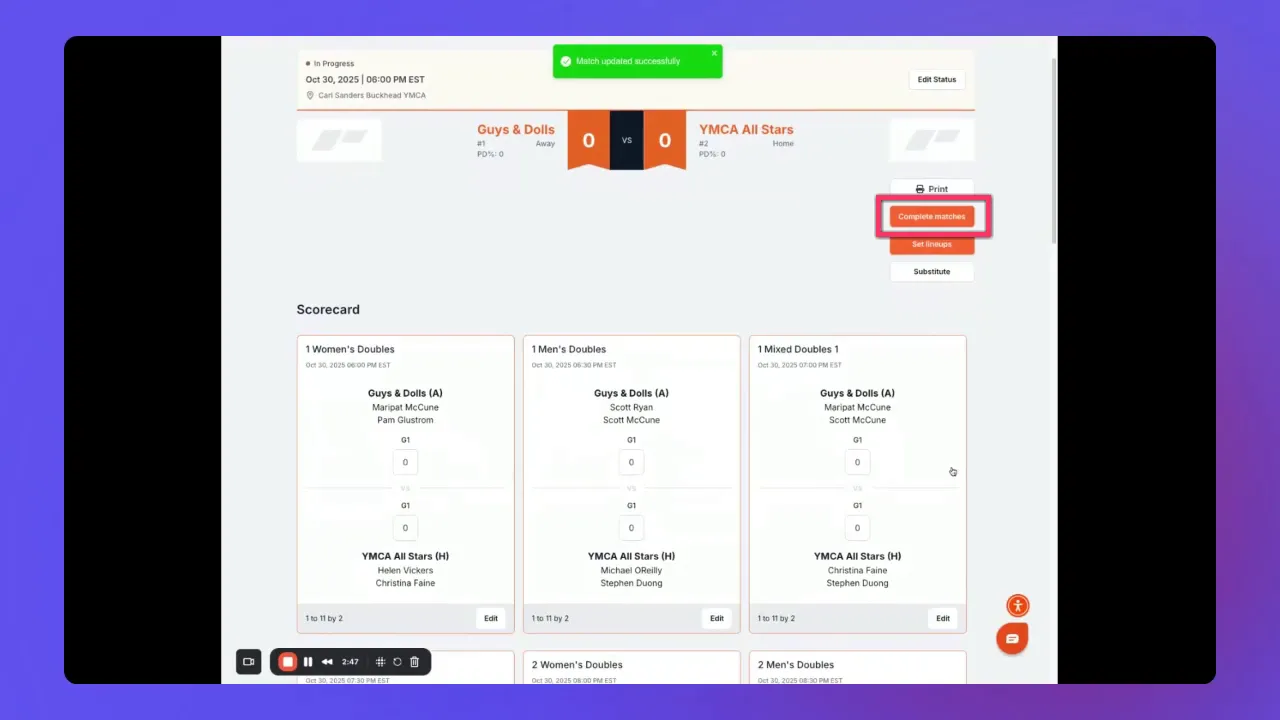
Click Complete Matches to lock scores and update standings.
Key Takeaways
-
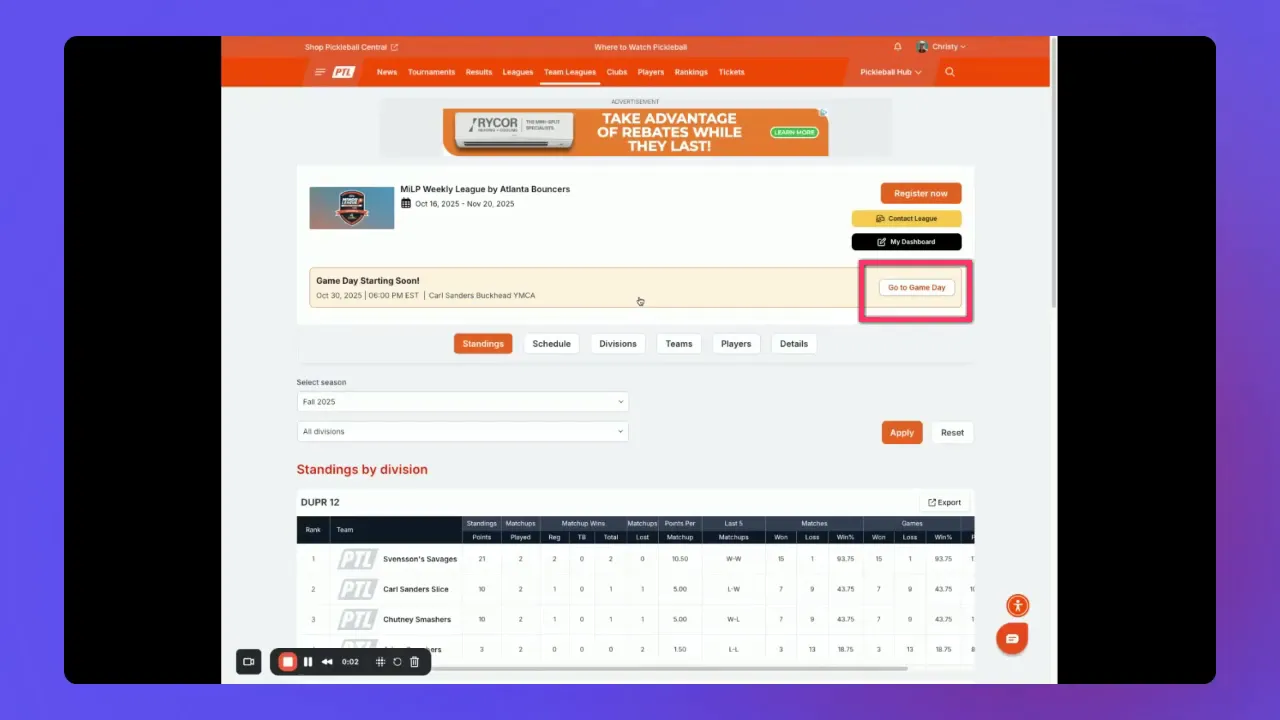
Access Game Day and open your team matchup to begin score entry.
-
Enter scores carefully and edit mistakes instead of canceling matches.
-
Use Complete Matches to lock standings after verification.
-
Enter tiebreakers cumulatively and finalize with the second completion step.
If you need a more in-depth review of any step or want official policies on tiebreakers, retirements, and match reinstatements, check the associated help document for your league system. That resource contains detailed procedures, examples, and commissioner contacts to resolve unusual situations.