How Do You Manage Privacy and Waivers?
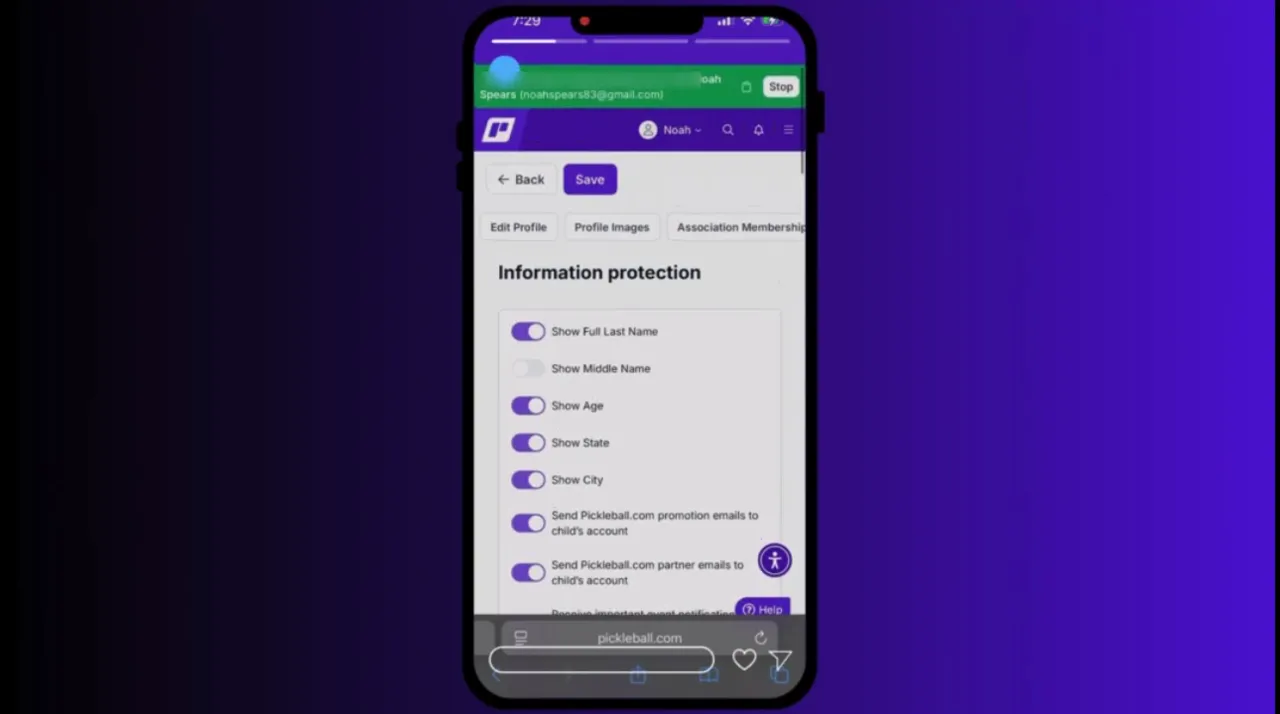
Parents can manage privacy settings and waivers directly from the minor account.
While impersonating the minor:
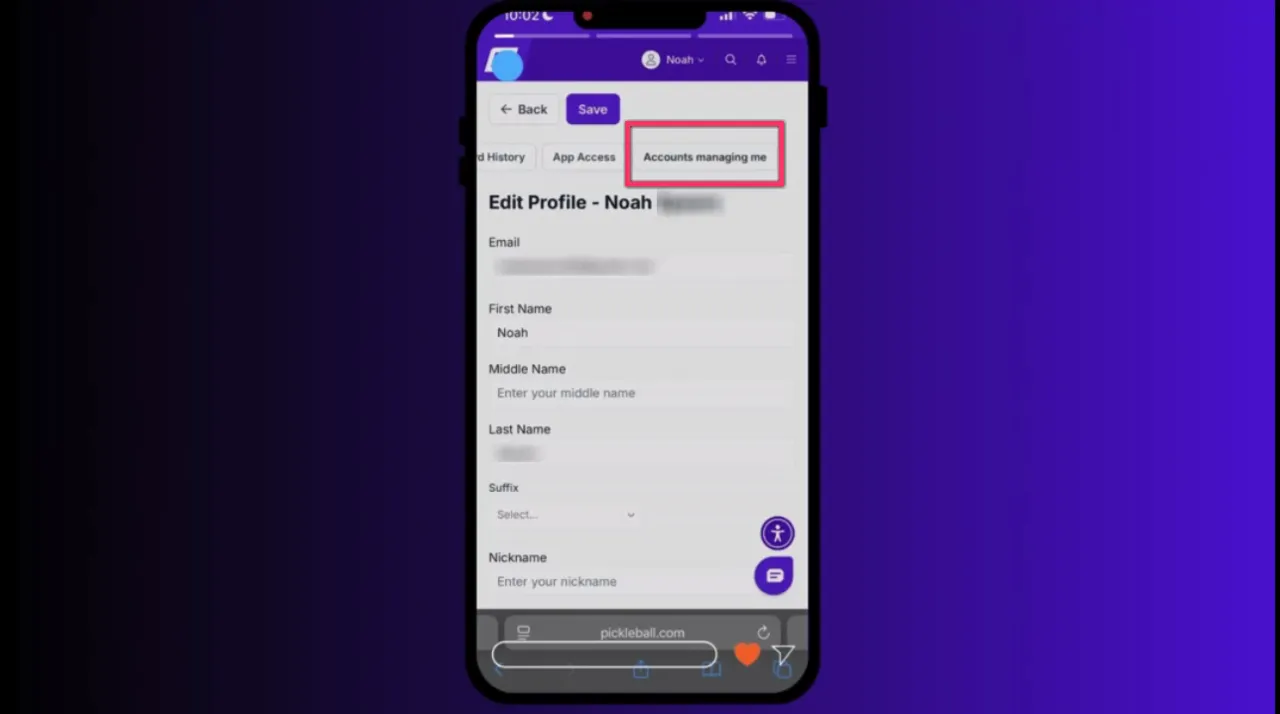
• Open the minor’s Profile
• Slide left through the menu options
• Select Information Protection
In this section you can:
• Review outstanding waivers
• Accept required consent forms
• Adjust privacy settings using toggle switches
Typical privacy settings include:
• Media release permissions
• Contact visibility
• Information sharing preferences
Parents should review these settings periodically as the minor grows or permissions change.
Why Is Centralized Minor Account Management Important?
Centralized account management improves both efficiency and security.
Benefit #1: Simplified oversight
Parents can manage multiple minor accounts from a single dashboard.
Benefit #2: Improved security
Minors do not need to share their passwords with parents.
Benefit #3: Easier event registration
Parents can quickly register minors for tournaments, leagues, and programs.
Common Questions About Managing Minor Accounts
Do I need the minor’s password after linking accounts?
No. Once connected, parents can use the impersonation feature to manage the account without logging in as the minor.
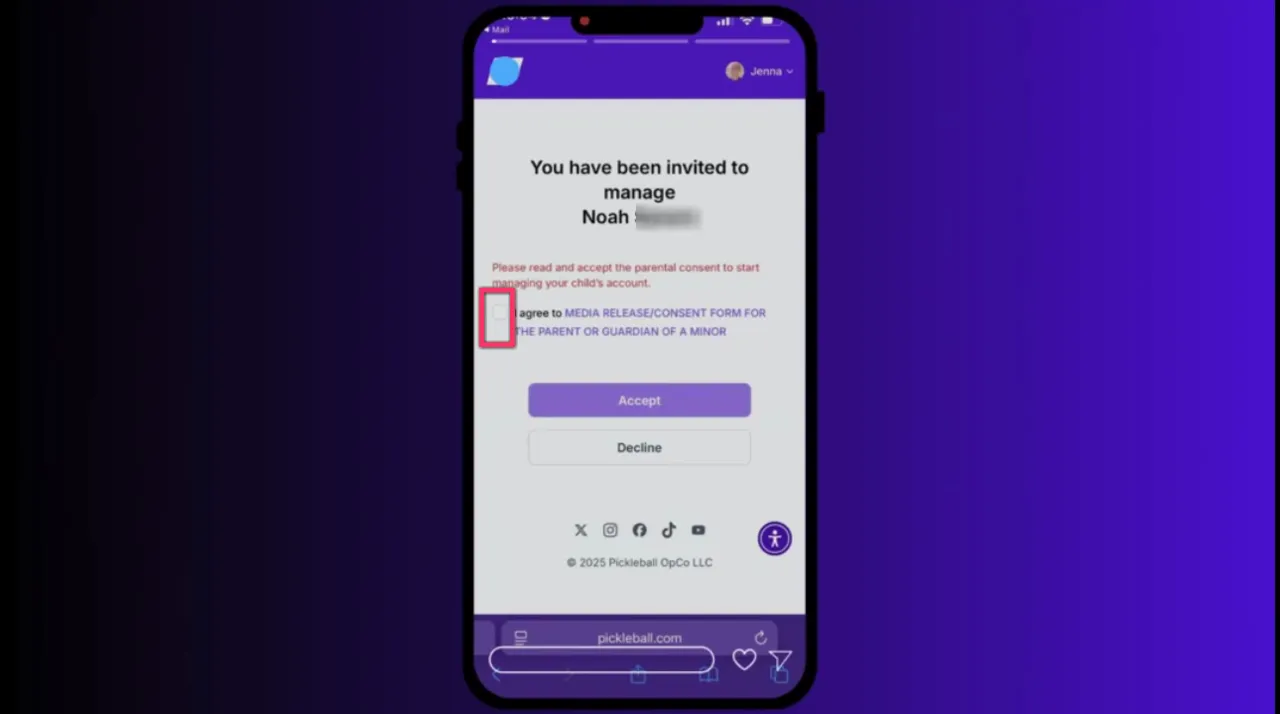
Why must parents accept waivers?
Waivers ensure proper consent for event participation, media use, and privacy protections for minors.
What happens if the invitation link doesn’t work?
Ensure the parent is logged into their own Pickleball.com account before clicking the email link.
Can parents manage multiple minors?
Yes. The dashboard allows parents to oversee and manage multiple minor accounts from one location.
Key Takeaways
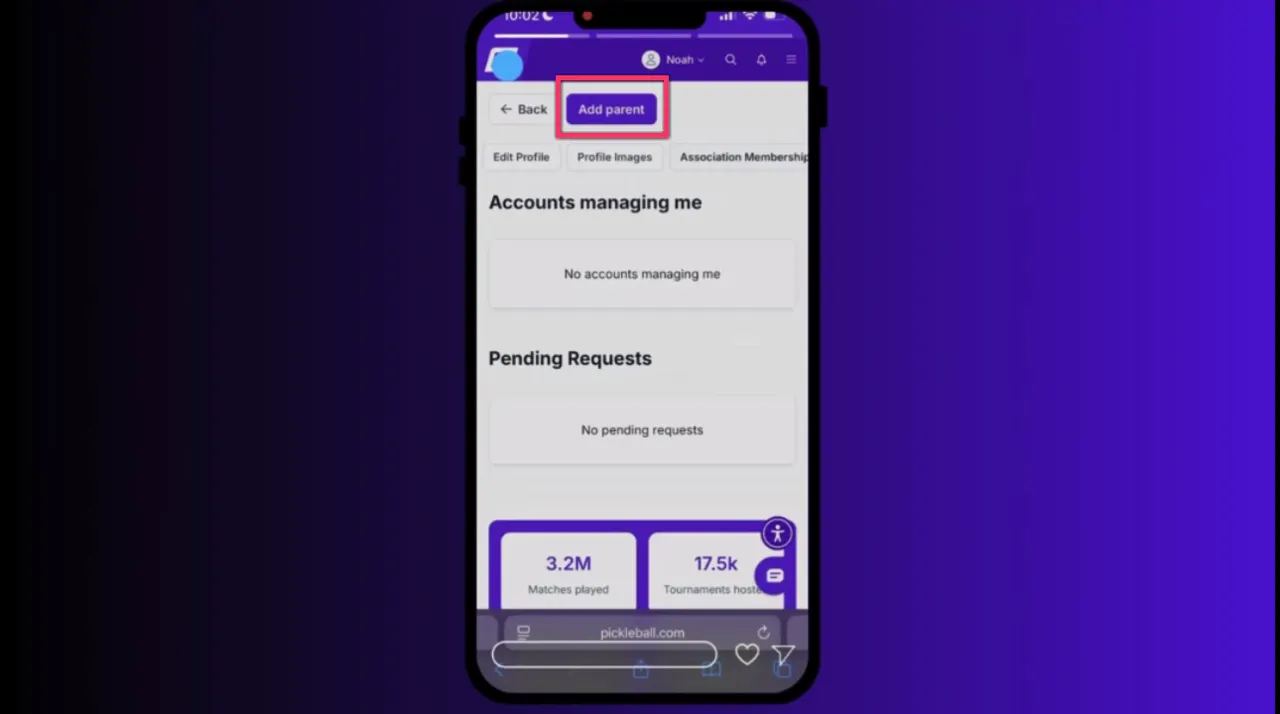
• Phase two allows parents to connect and manage existing minor accounts.
• The connection begins in the minor account and is approved through the parent account.
• Parents can use the impersonation feature to manage registrations and profiles.
• Privacy settings and waivers can be handled directly from the minor account.
• Centralized management improves security and simplifies oversight.
Need More Help?
For a detailed walkthrough including screenshots, troubleshooting steps, and a full explanation of the waiver process, visit the official help document associated with this guide.
You can also review Phase One: How to Create Minor Accounts to learn how to set up a new minor account before linking it to a parent or guardian profile.
.png?width=592&height=237&optimizer=image)